Flutter Web Development Services
Flutter Web is the right call for the dashboard behind your login, and the wrong call for your marketing site. I'll tell you which one you're describing.
The short version
- Best for application interfaces behind a login, where search visibility is irrelevant.
- Your models, API client and validation carry over from the mobile app — the UI gets rebuilt.
- Layouts reorganise at each breakpoint rather than scaling a phone UI to a wide monitor.
- Not for public pages: Flutter Web paints to a canvas, so crawlers see almost no text.
What Flutter Web development covers
Admin panels and internal tools
A web console for the team behind your mobile app: managing users, moderating content, editing catalogue data, and everything else that does not belong in the customer app.
Real-time dashboards
Live data views backed by Firestore streams or MQTT, with charts, gauges and tables that update as values change rather than on a page refresh.
Genuinely responsive layouts
Breakpoint-driven layouts that reorganise rather than rescale, with navigation that becomes a sidebar on desktop and a drawer on mobile.
Desktop interaction patterns
Hover states, tooltips, right-click menus, keyboard shortcuts, tab order and text selection, all of which mobile-first Flutter code tends to leave out.
Shared code with your mobile app
Models, API clients, validation and business logic factored so mobile and web use the same implementation and cannot drift apart.
Build and deployment
Release builds with the right renderer choice, asset and font optimisation, and deployment to Firebase Hosting or any static host.
Where Flutter Web fits, and where it does not
Excellent for application-shaped software behind a login. Wrong for anything that depends on organic search traffic.
Good fit
Dashboards, admin tools, internal systems and data-heavy interfaces. The single-codebase advantage is real, and nobody is searching Google for your admin panel.
Bad fit
Marketing sites, blogs and storefronts. Flutter Web renders to a canvas, so search engines get almost no indexable text, the initial download dwarfs an HTML page, and Core Web Vitals suffer.
Need both? Use both
A conventional web stack for public pages, Flutter Web for the application behind the login. This portfolio is Next.js for exactly that reason.
I will recommend that split when it applies rather than selling you a Flutter Web homepage.
Why a Flutter developer for your web dashboard
If your app is already Flutter, the shared layer is the deciding factor.
The logic already exists and is already tested
A separate React dashboard means writing your models, API client, error handling and validation a second time, then keeping two implementations in agreement forever.
One language, one pipeline
One set of dependency upgrades, and any developer who can work on the app can work on the dashboard.
I bring the mobile-side context
Having built the app that produces the data, I know what the fields mean, which values are unreliable, and which views the team will actually open every day.
Projects where I have done this before.
Full case studies, including the problems I hit and how I solved them.

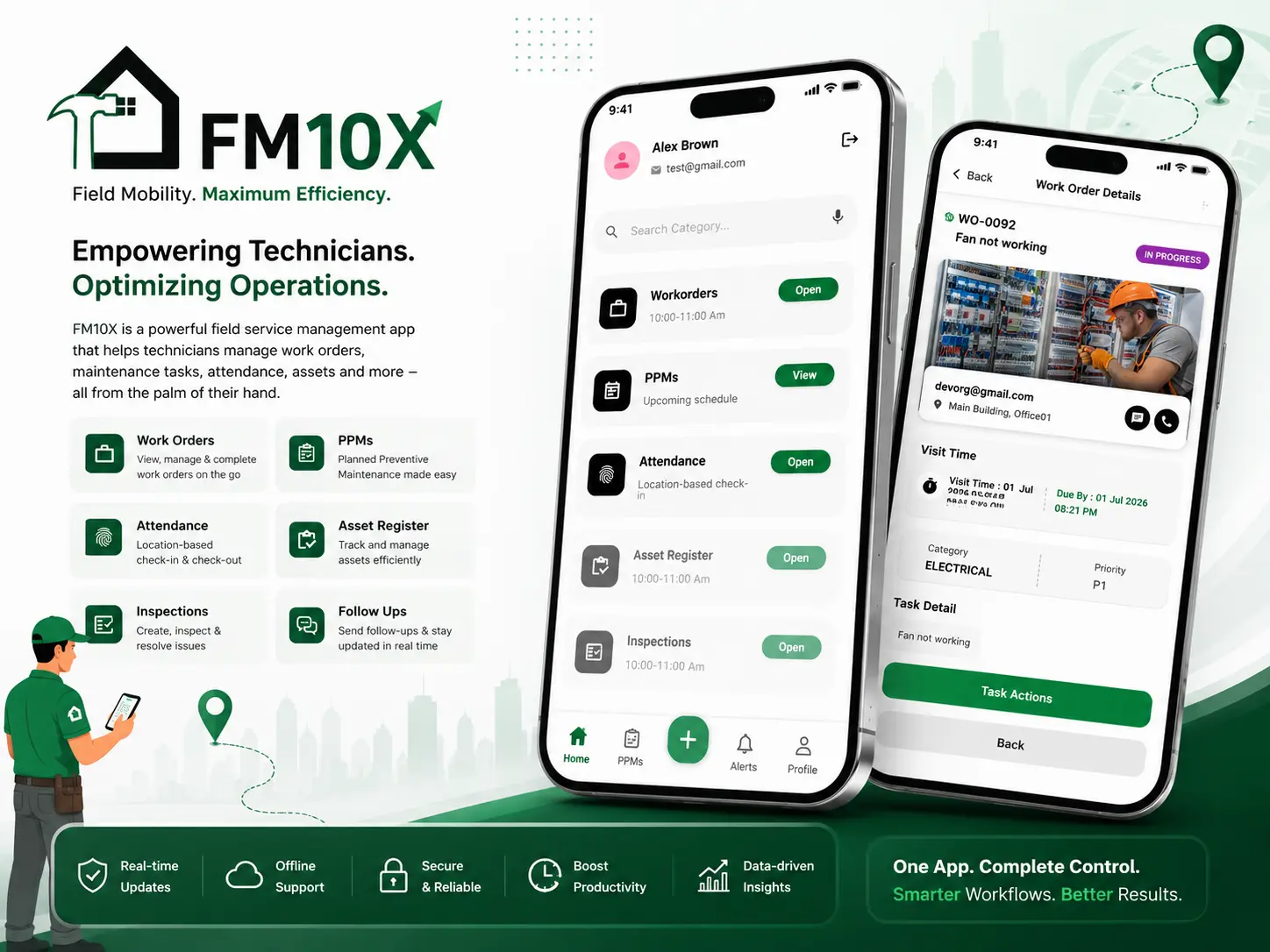
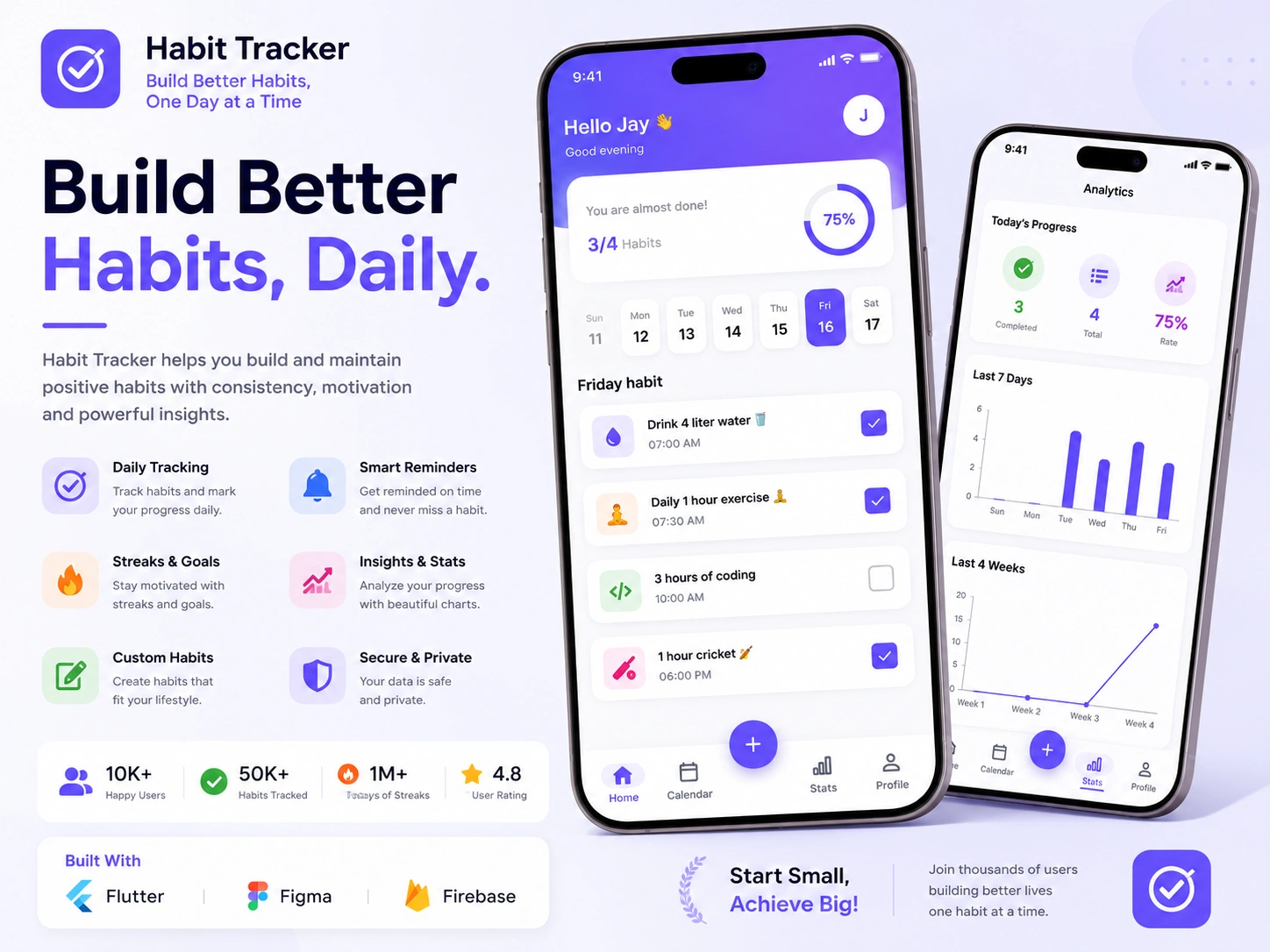
The tools I build this with.
Core
- Flutter Web
- Dart
- Responsive breakpoints
- LayoutBuilder
Data
- Firestore streams
- REST APIs
- MQTT over WebSocket
- Real-time charts
Interaction
- Keyboard shortcuts
- Hover & tooltips
- Data tables
- Multi-pane layouts
Deployment
- Firebase Hosting
- Static hosting
- Build optimisation
- Git & GitHub
Three ways to work together.
Dashboards are often built as a fixed-price phase after the mobile app, or as a dedicated engagement when the web and mobile sides are developed alongside each other.
Fixed price
One agreed price for an agreed scope, split into milestones. You know the total before work starts, and I absorb the risk of my own estimate being wrong.
Best for: Well-defined builds where the feature list is already settled
Hourly
Billed for time actually worked, with a log of what was done. No minimum commitment, and you can stop at the end of any week.
Best for: Fixes, audits, custom code and open-ended work
Dedicated developer
A reserved block of my capacity each month, working to your priorities as they change. Scope can shift between sprints without renegotiating a contract.
Best for: Ongoing product work and longer engagements
From first call to launch and beyond.
Web projects spend more time in the design stage than mobile ones, because a dashboard has to answer what someone needs to see first on a screen with room for everything at once.
- Step 01
Discovery
A call to understand the product, the users, the constraints and the deadline, followed by a written scope you can push back on.
- Step 02
Design
Screen flow, data model and architecture agreed before code. If you have Figma designs I work from them; if not, we settle structure first.
- Step 03
Development
Built in milestones you can see, pushed to your repository as it happens, with a working build to try at the end of each stage.
- Step 04
Testing
Real devices across both platforms, slow networks, edge cases and the states people forget: empty, loading, offline and error.
- Step 05
Launch
Signed release builds, store listings, review feedback handled, and deployment of any web or Firebase side of the project.
- Step 06
Support
A bug-fix period after release, then ongoing availability for feature work, SDK upgrades and store compliance changes.
Frequently asked questions
Is Flutter Web good for SEO?
No, and I would not recommend it for anything that depends on search traffic. Flutter Web paints to a canvas rather than producing semantic HTML, so crawlers see very little indexable text, and the initial bundle is far heavier than an equivalent HTML page. For public marketing pages use a conventional web framework. Flutter Web is for application interfaces behind a login, where search visibility is irrelevant.
Can I reuse my existing Flutter mobile code on the web?
Much of it, yes. Models, business logic, validation and API clients port over directly. What needs work is layout, since phone layouts do not simply scale to desktop, and input handling, since mouse and keyboard need hover states, tooltips and shortcuts. Any platform-specific plugin also needs checking for web support. A reasonable expectation is that the logic carries over and the interface layer gets rebuilt.
How does Flutter Web performance compare to a normal website?
The first load is noticeably slower, because the browser downloads the Flutter engine before it can render anything. After that initial load, navigation and interaction are fast and smooth, often better than a comparable JavaScript application. That trade-off is fine for a dashboard someone keeps open all day and poor for a page a visitor sees once for twenty seconds.
Will the dashboard work on mobile browsers?
Yes, if it is built for that from the start. I use breakpoint-driven layouts so navigation collapses into a drawer, multi-column views stack, and data tables become scrollable cards on narrow screens. It is worth deciding early how much of the dashboard genuinely needs to work on a phone, because designing every view for both adds real effort.
Can you add a web admin panel to an app someone else built?
Yes. I start by reading the existing codebase and the data layer, since the panel has to respect the same models and permission rules as the app. If the existing project is structured with logic tangled into widgets, some refactoring is needed first to make the shared parts reusable. I will tell you how much before starting.
Which renderer do you use for Flutter Web?
It depends on the project, and the sensible default has changed several times across Flutter releases. The choice trades initial download size against rendering fidelity and consistency, so it comes down to whether your users are on fast desktop connections or variable mobile ones. I benchmark against your actual target devices rather than taking the default on trust.
Where does the finished web app get hosted?
A Flutter Web build is static files, so it can go anywhere that serves static assets. Firebase Hosting is the natural fit if you are already using Firebase for auth and data, and it handles SSL and CDN distribution for you. Any other static host works equally well. I set up the build and deployment so releasing an update is a single command.
Need a web dashboard for your Flutter app?
Tell me what the team needs to see and do in the browser, and I will map it to a dashboard that reuses what your app already has.