FlutterFlow Development Services
FlutterFlow is low-code, not no-code. It gets you to a working app fast, right up until it doesn't — and I build in it as a Flutter developer, so the builder's ceiling stops being your ceiling.
The short version
- I write the custom Dart your app needs when the visual builder can't express it.
- The Firestore schema gets designed before the first screen, not after fifty.
- You can export the code and leave FlutterFlow whenever you outgrow it.
- If FlutterFlow is the wrong call for your project, I'll say so in the first call.
FlutterFlow or hand-written Flutter?
The same question comes up in almost every first call. Here is the honest version, from someone who builds both.
| Criterion | FlutterFlow | Hand-written Flutter |
|---|---|---|
| Time to a working build | Days to weeks. The builder handles the scaffolding for you. | Weeks. Everything is written by hand from the first screen. |
| Build cost | Lower for standard app patterns — forms, lists, auth, Firestore. | Higher, because you are paying for every screen to be written. |
| Ceiling on what's possible | Real, but escapable with custom actions and widgets. | None. If Flutter can do it, your app can do it. |
| Custom animation & gestures | Basic transitions are fine; anything intricate needs custom code. | Full control over every frame and gesture. |
| Complex offline behaviour | Workable for simple caching, awkward for sync conflicts. | Built properly, including conflict resolution. |
| Several developers at once | Harder — the builder is not built around branches and reviews. | Normal Git workflow, branches and pull requests. |
| Ongoing cost | A FlutterFlow subscription, on top of development. | No tooling subscription. |
| Changing content after launch | A non-developer can make small edits in the builder. | Needs a developer, or a CMS built for the purpose. |
Time to a working build
- FlutterFlow
- Days to weeks. The builder handles the scaffolding for you.
- Hand-written Flutter
- Weeks. Everything is written by hand from the first screen.
Build cost
- FlutterFlow
- Lower for standard app patterns — forms, lists, auth, Firestore.
- Hand-written Flutter
- Higher, because you are paying for every screen to be written.
Ceiling on what's possible
- FlutterFlow
- Real, but escapable with custom actions and widgets.
- Hand-written Flutter
- None. If Flutter can do it, your app can do it.
Custom animation & gestures
- FlutterFlow
- Basic transitions are fine; anything intricate needs custom code.
- Hand-written Flutter
- Full control over every frame and gesture.
Complex offline behaviour
- FlutterFlow
- Workable for simple caching, awkward for sync conflicts.
- Hand-written Flutter
- Built properly, including conflict resolution.
Several developers at once
- FlutterFlow
- Harder — the builder is not built around branches and reviews.
- Hand-written Flutter
- Normal Git workflow, branches and pull requests.
Ongoing cost
- FlutterFlow
- A FlutterFlow subscription, on top of development.
- Hand-written Flutter
- No tooling subscription.
Changing content after launch
- FlutterFlow
- A non-developer can make small edits in the builder.
- Hand-written Flutter
- Needs a developer, or a CMS built for the purpose.
In short: Pick FlutterFlow to get something real in front of users soon with a mostly standard feature set. Pick hand-written Flutter when the product depends on custom behaviour or a team working in parallel. Plenty of products start on the first and move to the second, which is a migration rather than a rewrite.
What FlutterFlow development covers
MVP builds on a planned schema
The Firestore collections and relationships get designed first. Reshaping data after fifty screens reference it is the expensive way to learn.
Custom Dart actions and functions
Logic the builder can't express visually, written to survive every FlutterFlow upgrade.
Custom widgets
Charts, specialised inputs and pub.dev packages dropped onto your canvas as real Flutter widgets.
Firebase wiring done properly
Auth flows, Firestore queries that use indexes instead of scanning, storage rules and push notifications on both platforms.
FlutterFlow project rescue
Duplicated page state, queries firing on every rebuild, logic scattered across page actions — found and fixed.
Export and migration to Flutter
When the product outgrows the builder: export, restructure into a maintainable Flutter project, carry on from there.
Why hire a Flutter developer for FlutterFlow work
Because FlutterFlow generates Flutter — and someone who only knows the builder has to stop where the builder stops.
Every limitation is a builder limitation, not a Flutter one
Each visual decision becomes Dart code. What blocks you is how the builder expresses Flutter, never Flutter itself.
I can read the generated code
So I can work out why a query re-runs or a state variable won't update, and fix it with a custom action instead of redesigning the feature around the problem.
It matters most where demos become products
The gap between a promising prototype and something paying users rely on is mostly custom code and a corrected schema.
It matters for the exit too
If you succeed, you may want the code out of FlutterFlow and into a normal repository. I have built both, so I can tell you whether you are near that point or nowhere close.
FlutterFlow developers who can't write Dart hit a wall at exactly the moment your app stops being a demo.
When FlutterFlow is the wrong choice
It's a poor fit for heavy custom animation, complex offline sync, intricate background work, or a team building in parallel.
In those cases the custom code needed to escape the builder ends up larger than the code the builder saved you. You pay twice and inherit a project structured around a tool you are fighting.
I will tell you which side of that line your project falls on in the first conversation — including when the answer is to skip FlutterFlow and go straight to Flutter. Recommending the more expensive option when the cheaper one would have worked is not advice worth paying for.
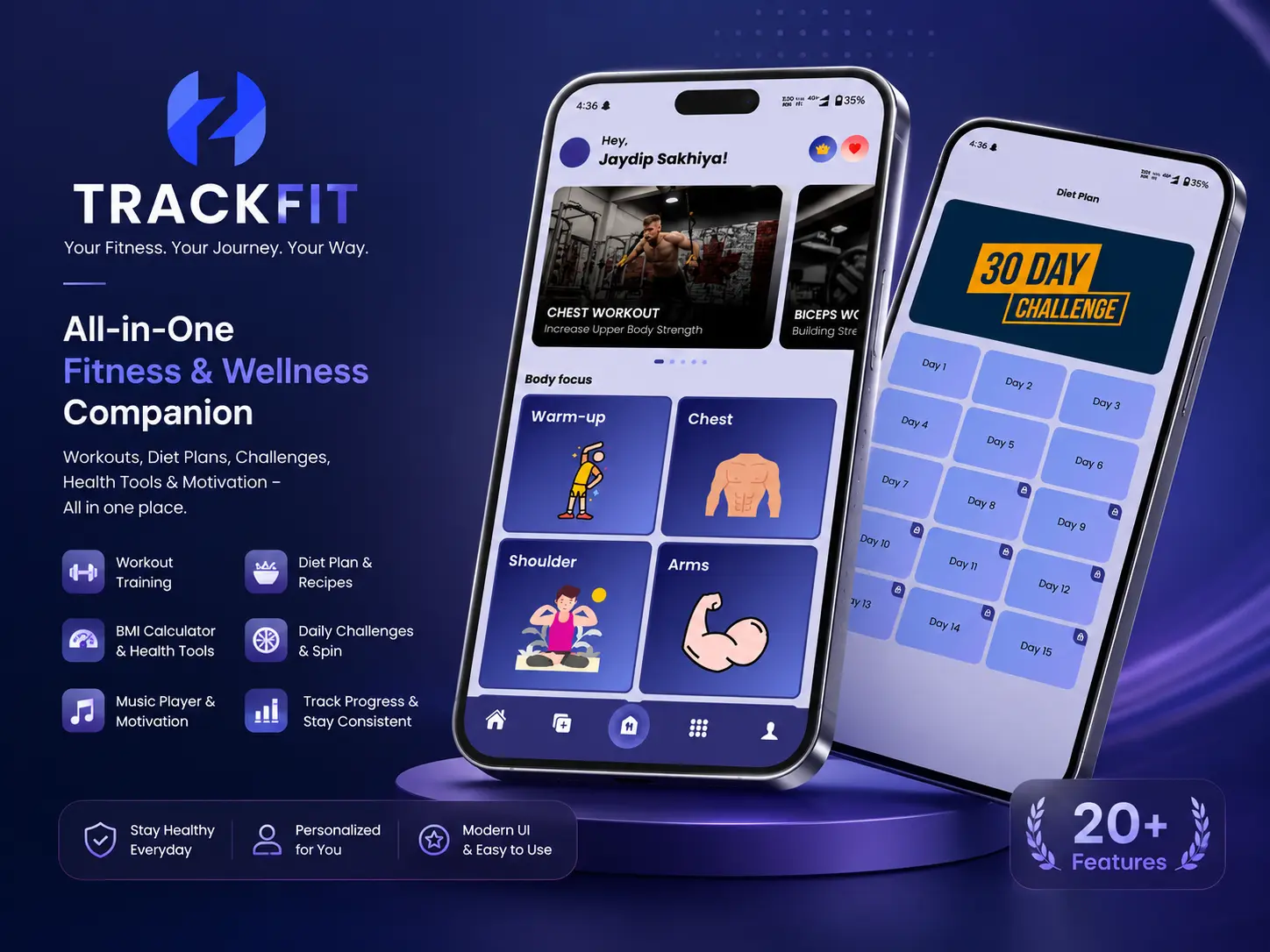
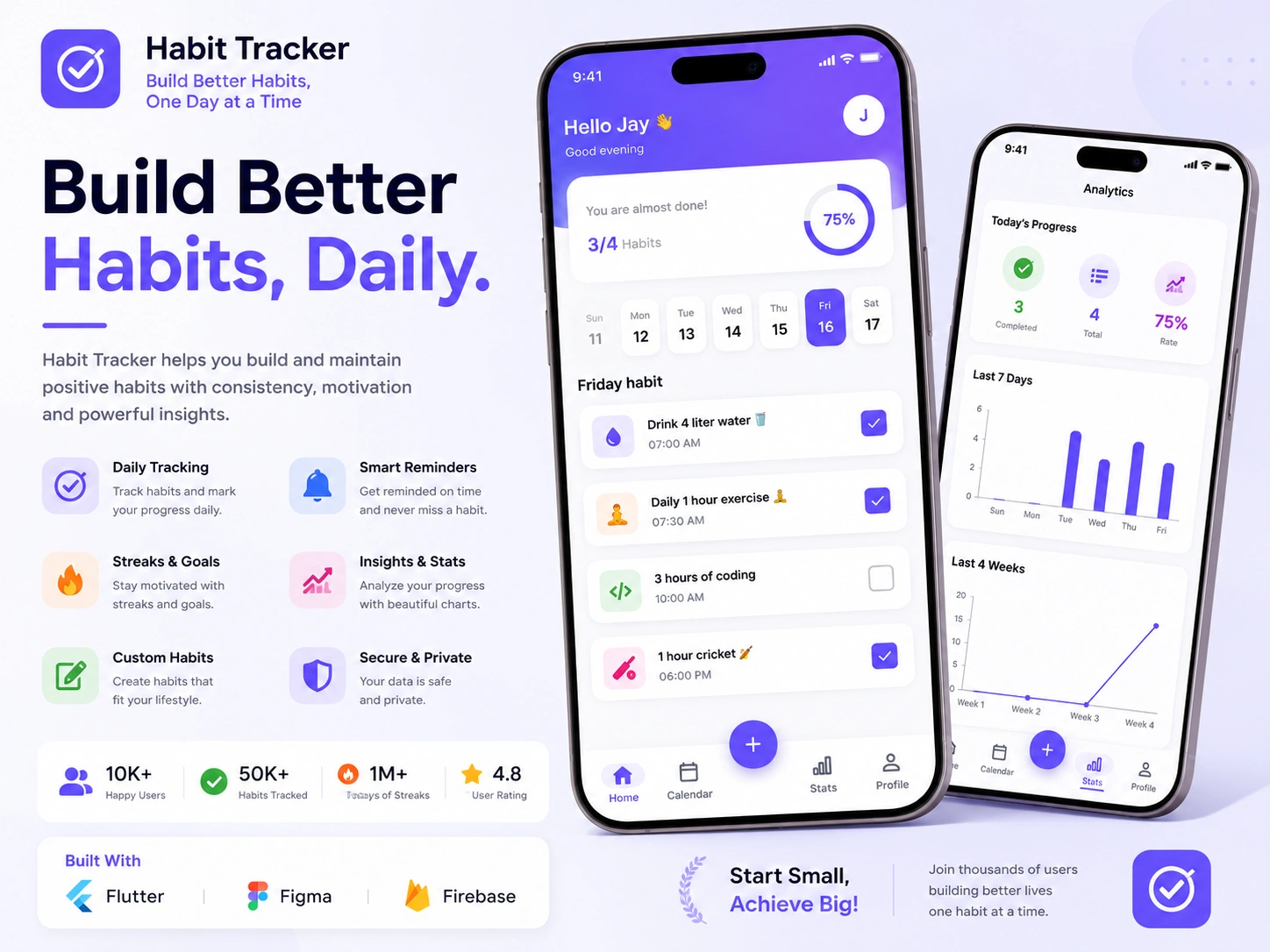
Flutter work that shows how I build.
These are hand-written Flutter builds, not FlutterFlow ones. The Flutter and Firebase judgement behind them is the same judgement I bring to a FlutterFlow project.
The tools I build this with.
Builder
- FlutterFlow
- Custom actions
- Custom functions
- Custom widgets
Under the hood
- Flutter
- Dart
- Code export
- pub.dev packages
Backend
- Firebase Auth
- Cloud Firestore
- Firebase Storage
- Security rules
Delivery
- Firebase Hosting
- Play Store
- App Store
- Git & GitHub
Three ways to work together.
FlutterFlow work suits shorter engagements. Hourly fits custom actions and rescue work; fixed price fits a defined MVP.
Fixed price
One agreed price for an agreed scope, split into milestones. You know the total before work starts, and I absorb the risk of my own estimate being wrong.
Best for: Well-defined builds where the feature list is already settled
Hourly
Billed for time actually worked, with a log of what was done. No minimum commitment, and you can stop at the end of any week.
Best for: Fixes, audits, custom code and open-ended work
Dedicated developer
A reserved block of my capacity each month, working to your priorities as they change. Scope can shift between sprints without renegotiating a contract.
Best for: Ongoing product work and longer engagements
From first call to launch and beyond.
FlutterFlow projects move faster than hand-written Flutter, so the stages compress. Skipping discovery and design is what produces a schema you have to unpick later.
- Step 01
Discovery
A call to understand the product, the users, the constraints and the deadline, followed by a written scope you can push back on.
- Step 02
Design
Screen flow, data model and architecture agreed before code. If you have Figma designs I work from them; if not, we settle structure first.
- Step 03
Development
Built in milestones you can see, pushed to your repository as it happens, with a working build to try at the end of each stage.
- Step 04
Testing
Real devices across both platforms, slow networks, edge cases and the states people forget: empty, loading, offline and error.
- Step 05
Launch
Signed release builds, store listings, review feedback handled, and deployment of any web or Firebase side of the project.
- Step 06
Support
A bug-fix period after release, then ongoing availability for feature work, SDK upgrades and store compliance changes.
Frequently asked questions
What is the difference between Flutter and FlutterFlow?
Flutter is the framework, and you build with it by writing Dart code. FlutterFlow is a visual builder that generates Flutter code from a drag-and-drop interface. FlutterFlow is faster to start and cheaper for standard app patterns; hand-written Flutter gives you complete control and no ceiling. They are two points on the same scale rather than rivals, and plenty of products start on one and move to the other.
Can FlutterFlow handle a real production app?
Yes, with the caveat that production means different things at different scales. FlutterFlow apps are live and serving real users today. What determines whether yours holds up is less the tool and more the data schema, the query patterns and how much logic sits loose in page actions. Those are all decisions made early, which is why the planning stage matters.
Can I get the source code out of FlutterFlow?
Yes. FlutterFlow exports a complete Flutter project on paid plans, and I would treat being able to do that as non-negotiable before building anything serious on it. Exported code is usable but not structured the way a developer would structure it by hand, so migrating properly means some reorganisation. That is work I can do when the time comes.
My FlutterFlow app has become slow and messy. Can you fix it?
Usually. The common causes are queries running on every rebuild, images loaded at full resolution, deeply nested page state and duplicated logic across pages. I audit the project, tell you what is causing the specific symptoms you are seeing, and fix them in priority order. If the underlying data schema is the real problem I will say so, because no amount of surface tuning fixes that.
Do you write custom code inside FlutterFlow?
Constantly, and it is most of the value I add. Custom actions handle logic the builder cannot express, custom functions handle data transformation, and custom widgets bring in anything from pub.dev or anything needing real Flutter layout control. This is the part that most separates a FlutterFlow app that works from one that nearly works.
Will you build the Firebase backend too?
Yes, and I would strongly prefer to. FlutterFlow and Firebase are tightly coupled, and a schema designed to suit the screens rather than the data is the most common reason FlutterFlow projects stall. Designing both together avoids that. You can read more on my Firebase development services page.
How much does a FlutterFlow app cost?
It depends on screen count, how much custom code the feature set needs, and whether the backend already exists. FlutterFlow work is generally less expensive than the equivalent hand-written Flutter build, which is usually the reason people choose it. I quote per project after scoping rather than from a rate card, so the number reflects your actual requirements.
Need a FlutterFlow developer who can write Dart?
Whether you are starting a new FlutterFlow build or trying to unstick one, describe where you are and I will tell you honestly what it needs.